
Bring the trackers you already have.
The GPStrix tracking gateway understands more than 200 tracker protocols, from inexpensive GT06-type units to trackers that read the engine's CAN bus. If an installer has already fitted something to your vehicles, there is a good chance we can read it.
From the vehicle to the map
Each protocol needs its own port open on the server. Today ours accept our standard hardwired-tracker protocol and phones in tracker mode. If you run something else, tell us the make and model before installation and we will open its port.
A tracker whose IMEI is not registered to anyone is dropped and counted. It is never attached to an account by guesswork.
Fit the tracker
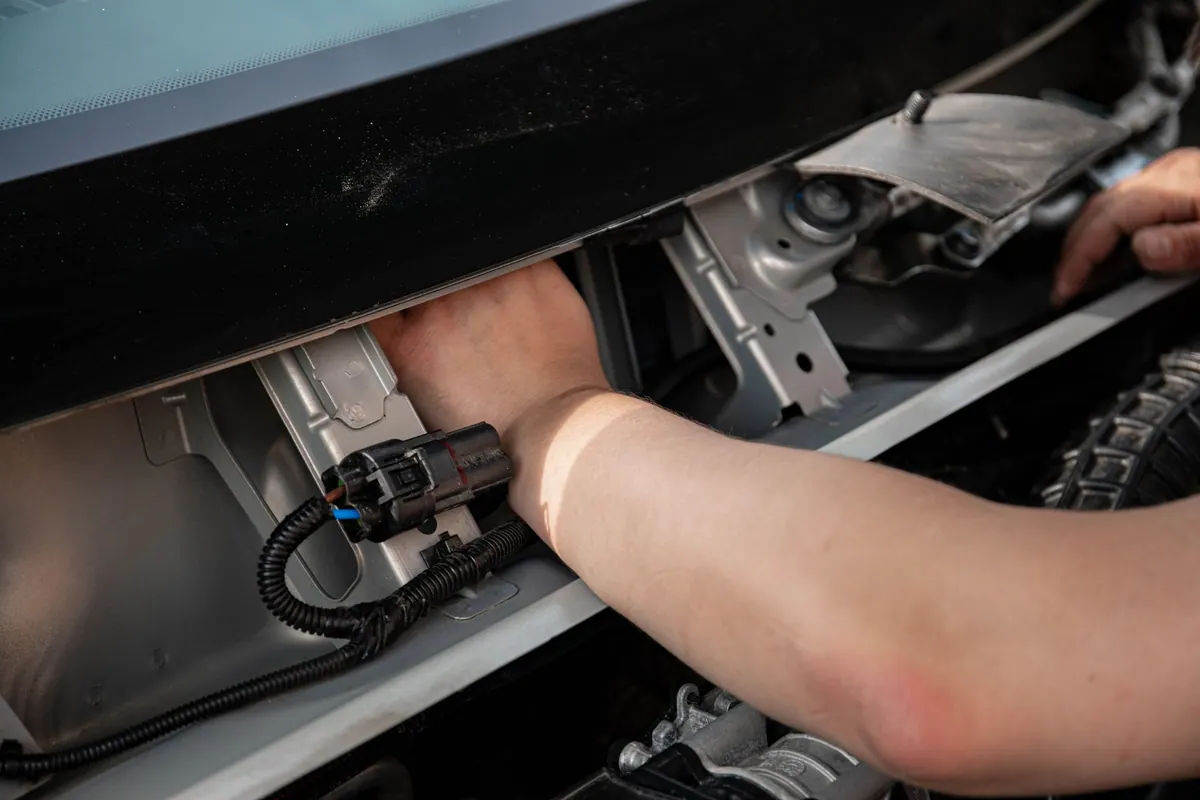
Power, ground and ignition, plus the CAN connection if the unit reads CAN. Your installer does this, and it is the same job whatever software the tracker reports to.
Add it in the console
Enter the IMEI printed on the unit and choose the vehicle it is fitted to.
Point the tracker at GPStrix
Set our server address and port in the tracker's own configuration, usually with the maker's configuration tool or by SMS.
Nothing else to set up
GPStrix registers your devices and geofences with its tracking gateway and keeps the two in step. There is no second system to log in to.
- TrackerSends GPS fixes and, on CAN models, engine data in its own protocol.
- GatewayDecodes the protocol. One port per protocol.
- GPStrixMatches the IMEI to your vehicle, then runs alerts, trips and reports.
- Console and appsThe live map, the inbox, replay and reports.
What a CAN-capable tracker reports
Tested signal by signal against our live tracking gateway, on the tracker protocol we have opened today.
Besides GPS, a CAN-capable tracker has a CAN chip that listens to the vehicle's own data bus, the wiring the instrument cluster reads from. That turns a dot on a map into an engine you can see: how hard it is working, how much fuel is in the tank, and whether the tracker can still hear it at all.
| Signal | Unit | Comes from |
|---|---|---|
| Engine speed | rpm | CAN |
| Fuel level | % and litres | CAN |
| Fuel consumed | litres | CAN |
| Vehicle speed, total mileage | km/h, distance | CAN |
| Engine hours, coolant and oil temperature | hours, °C | CAN |
| Throttle position, engine torque, AdBlue level | % | CAN |
| Parking brake, brake pedal, cruise control, PTO | on / off | CAN |
| Doors, central lock | open / shut | CAN |
| Ignition, movement | on / off | Tracker |
| Vehicle battery and backup battery voltage | V | Tracker |
| RPM, engine load, coolant, fuel level, fault-code count | various | OBD dongle |
What a given vehicle sends depends on the vehicle and on the tracker's configuration. An older truck may send engine speed and little else; a recent one sends most of this list. We show what arrives and mark what never does, rather than filling gaps with zeros.
What the CAN data is used for
Fuel taken out of the tank
The fuel report reads the level from the vehicle and smooths out the sloshing. A drop is called a drain only when the vehicle was standing still and the level did not come back. A sender that falls to zero and recovers is reported as a sensor fault, never as theft. Litres are shown when you have entered the tank size; without it you get percentages, not a guessed volume.
Idling, as opposed to stopping
Standing still with the engine running is idling. Standing with the engine off is a stop. The idle report lists only the first, which is the fuel burned while going nowhere, and does not bury it among every delivery stop of the day.
CAN connected and disconnected
A tracker carries on sending GPS after someone unplugs its CAN connection. The CAN activity report shows, for each vehicle, how long the bus was connected, how long it was disconnected while GPS kept arriving, and every disconnect and reconnect with its time. Add a condition, such as engine speed above zero, and it shows when that held as well.
The same states on the replay
Replay a trip and the track is coloured by the same CAN states, so the point where the bus went quiet is on the map where it happened. The report and the replay use one classification, so they cannot disagree with each other.
Three positions in a row without CAN data count as a disconnect; a single missed reading does not. No positions at all for fifteen minutes is recorded as no data rather than a CAN fault, because a vehicle that was simply switched off should not send someone to check a cable.
No tracker yet? A phone will do to start with.
GPStrix Field has a tracker mode. Pair a spare Android phone with a code from the console, leave it in the vehicle on a charger, and it records in the background and sends over HTTPS.
You get position, speed and trips. You do not get engine or fuel data, and positions arrive a few minutes apart to save the battery.
| Compared | Hardwired tracker | Phone |
|---|---|---|
| Position, speed, trips | Yes | Yes |
| Engine, fuel, CAN events | Yes, on CAN models | No |
| How often it reports | Every few seconds | Every few minutes |
| Tampering | Wired in and out of sight | Can be switched off or taken away |
| To get started | The unit and an installer | A spare phone |
Tell us what is fitted, and we will tell you what you will see.
Send us the make and model of the trackers in your vehicles. We will check them against the protocols we support and, for CAN trackers, tell you which signals your vehicles are likely to send.
Already a customer? Sign in to the console.